
Capture from the app or widget.
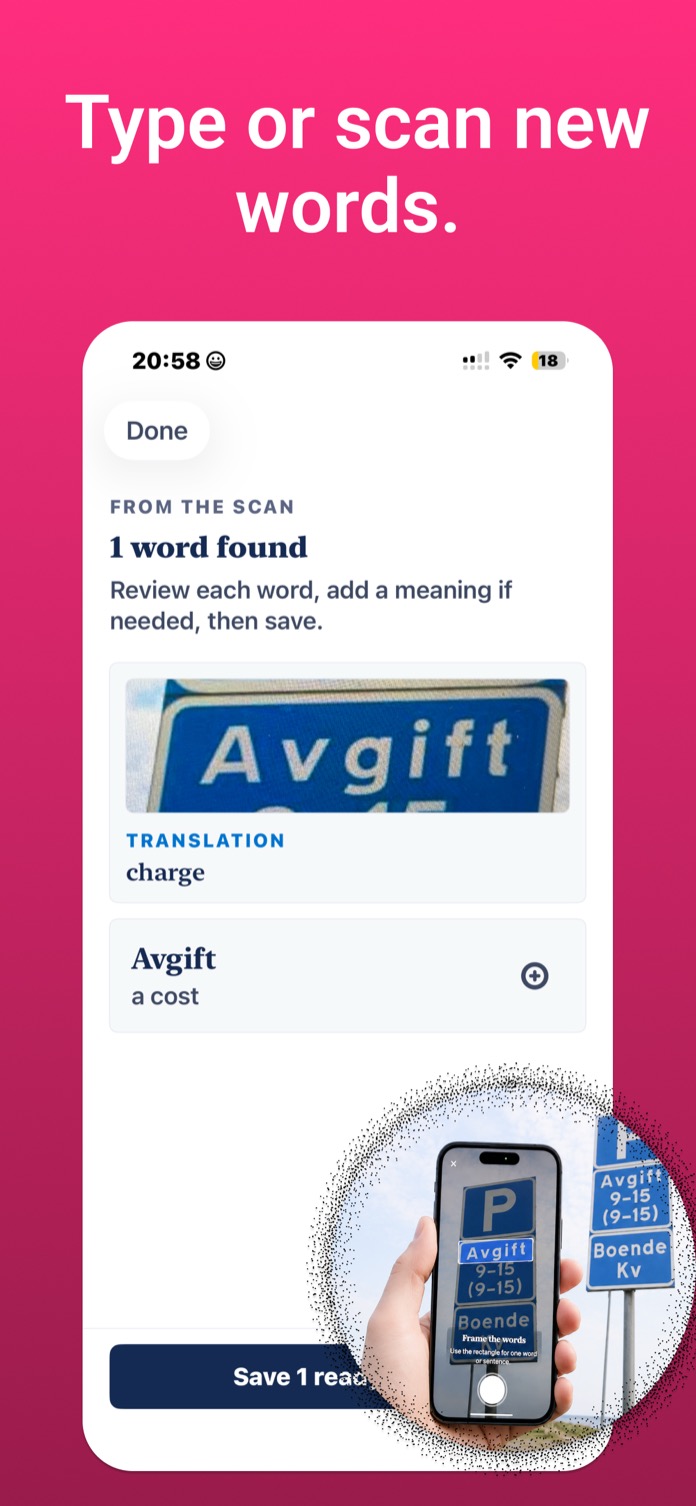
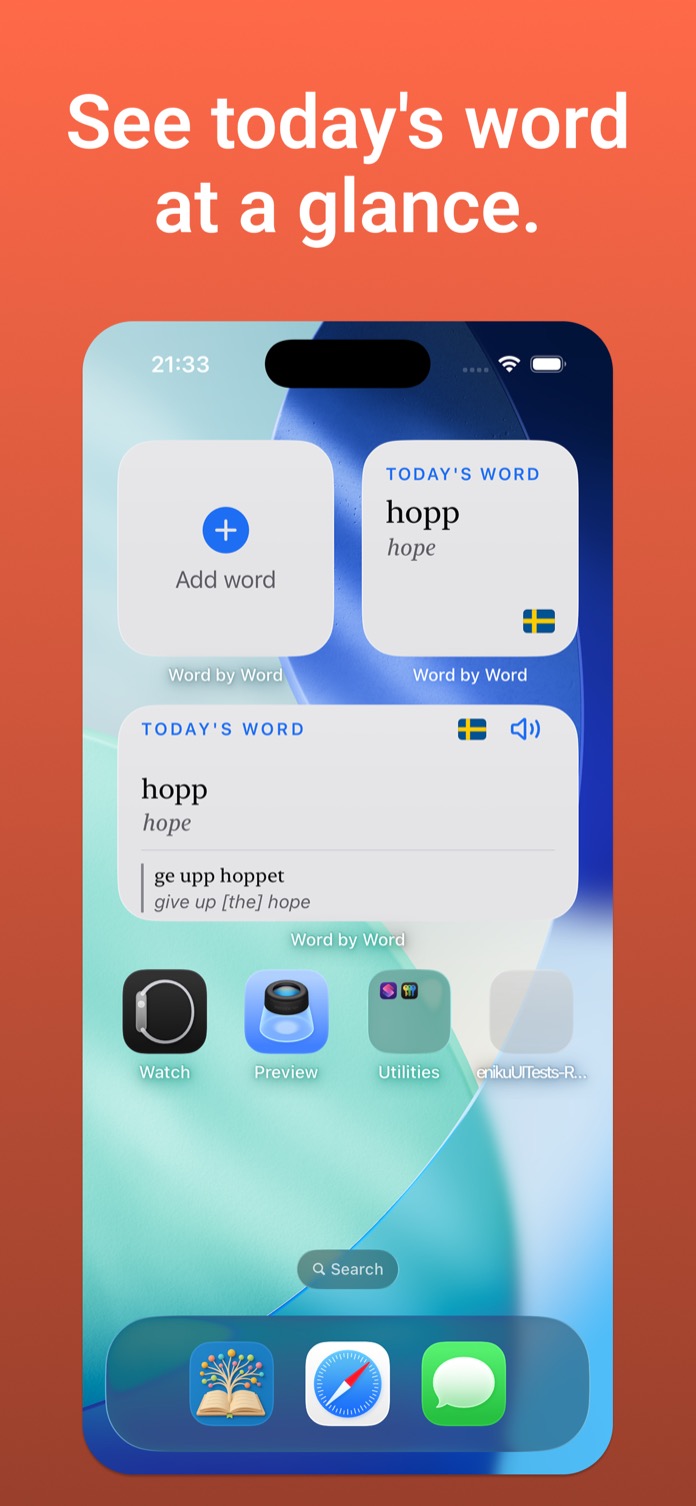
The Diary add button and the small home-screen widget both open the same capture screen. Type the foreign word; lookup can prefill a meaning, but you can always enter your own.
 Word by Word
Download
Word by Word
Download
Quiet vocabulary notebook for iPhone
Word by Word
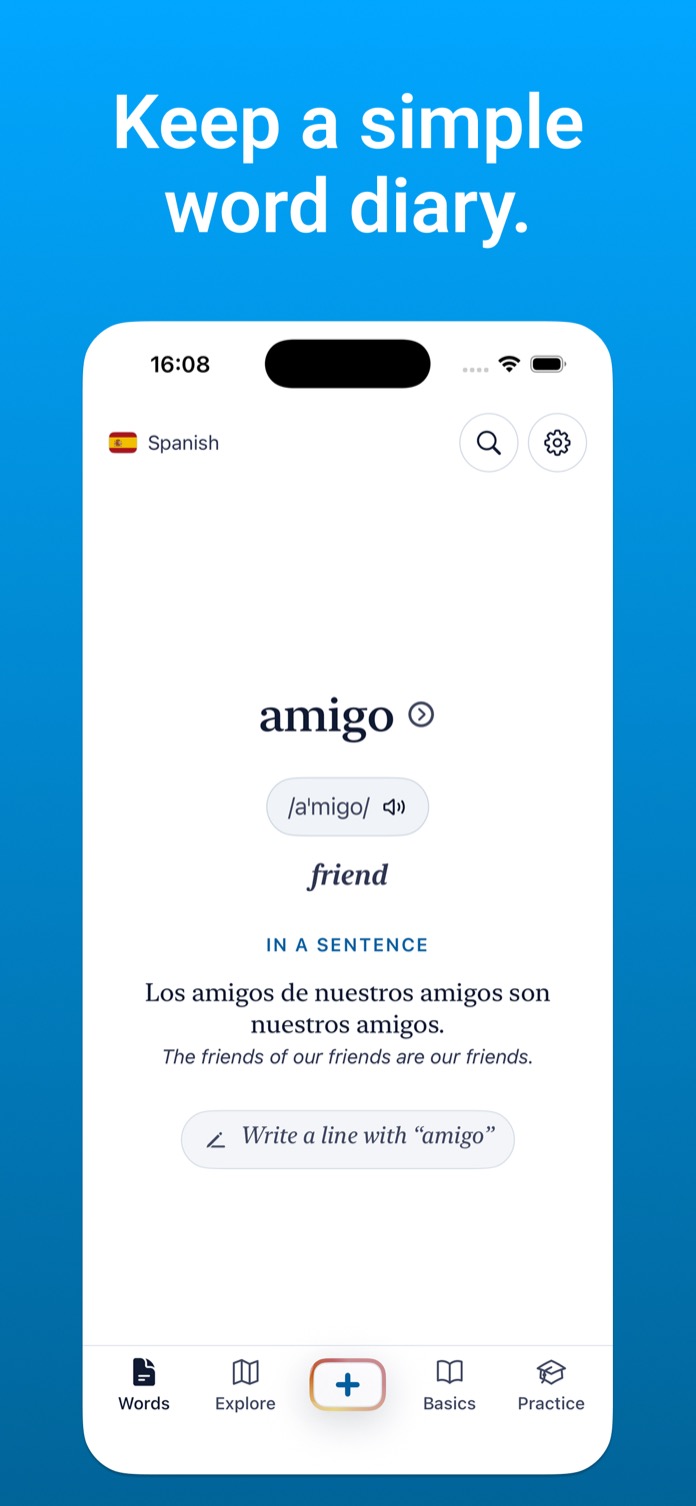
Pick one learning language, then add the words you meet in real life. Type the word, review the backend dictionary suggestion when there is a match, or write your own meaning when there is not. Save writes to the device immediately and never waits on lookup, sync, or practice features.
The loop
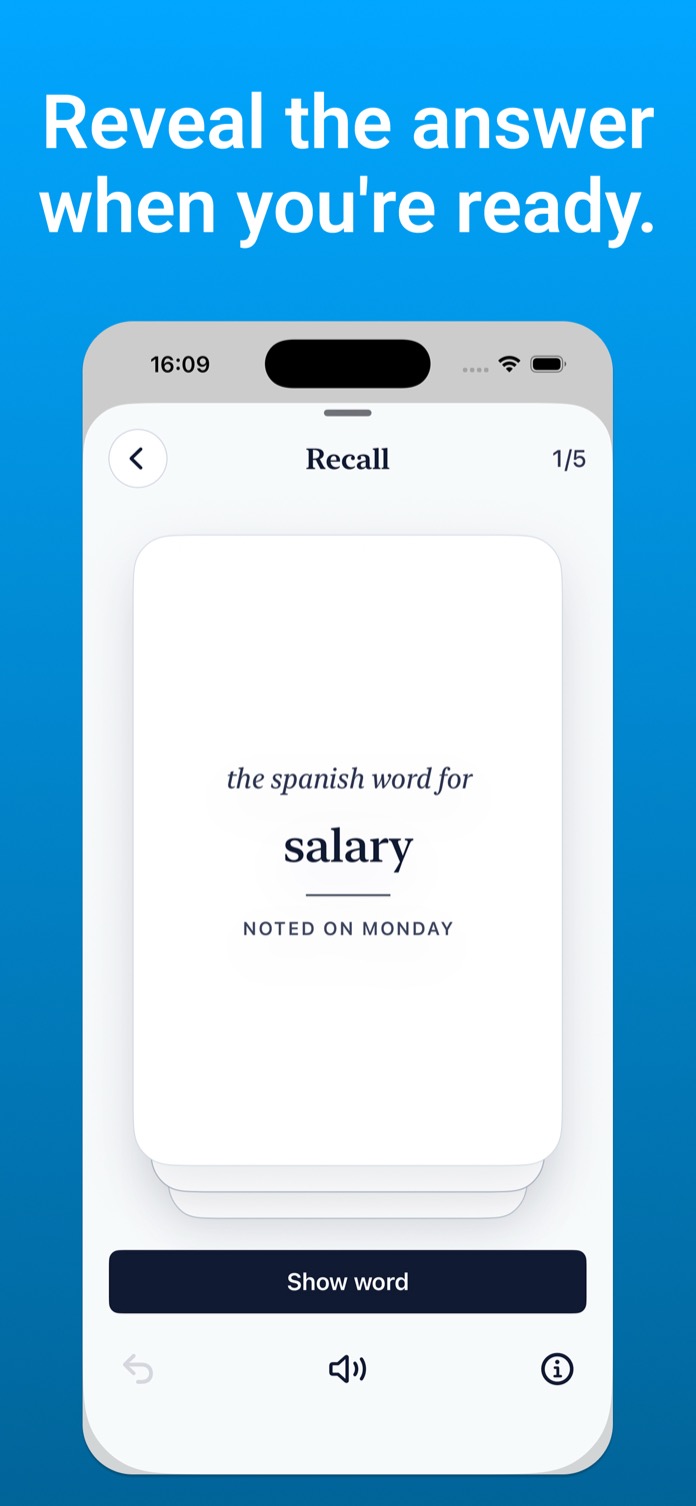
Capture a word, keep the meaning that makes sense to you, let local clustering and search enrichment run after save, then rediscover the word by day, group, map, search, widget, or weekly practice.
How it works
The Diary add button and the small home-screen widget both open the same capture screen. Type the foreign word; lookup can prefill a meaning, but you can always enter your own.
Once a word and meaning are present, Save writes to SwiftData immediately. Dictionary fields, examples, forms, senses, POS, IPA, and related words appear only when backend data exists.

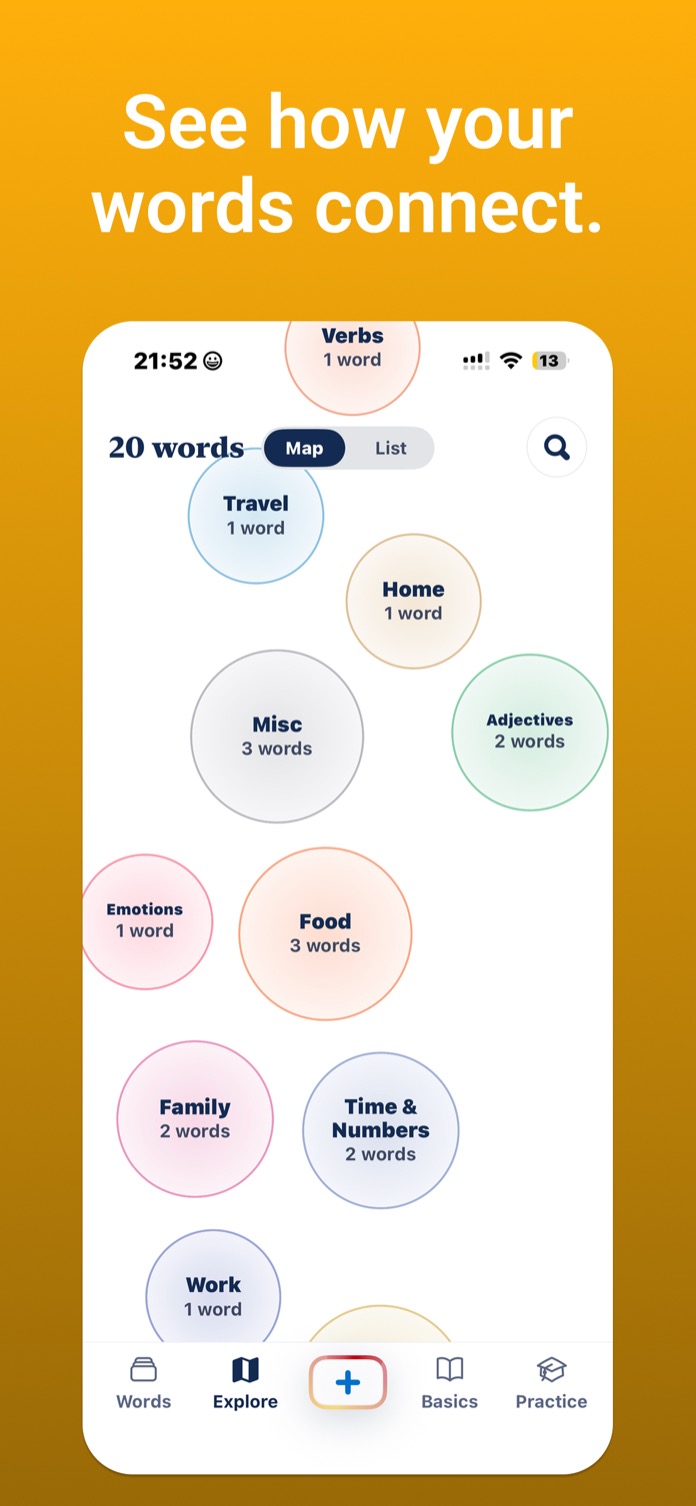
Diary starts as a day-by-day list, with Group and Map modes for clusters. Today's Word can suggest one backend word per day and mirror it to the widget.
Inside the app
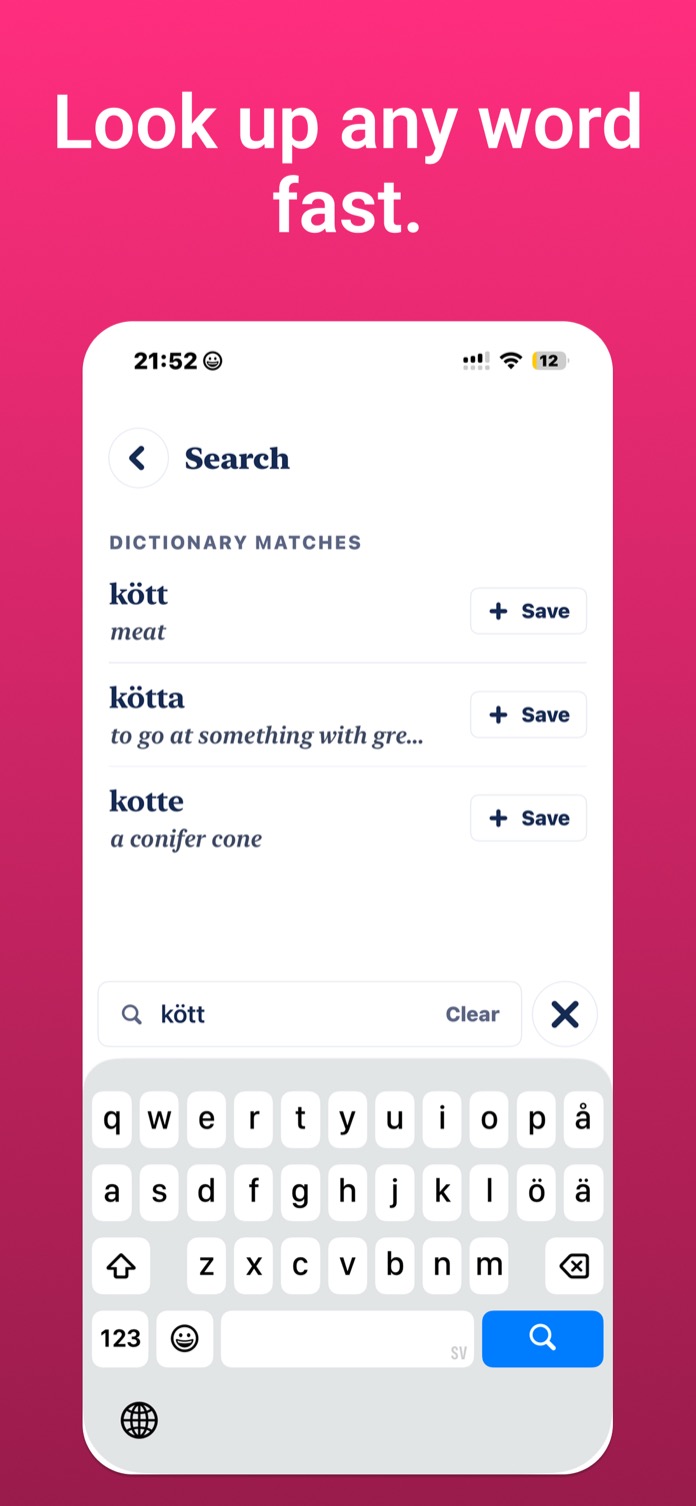
A debounced backend lookup runs as you type. It can show a suggested meaning, definition, forms, other senses, examples, related words, pronunciation, and an optional source prompt.
Search looks across saved words, meanings, and source notes, then blends in on-device semantic matches. Diary can switch between List, Group, and Map for the current learning language.
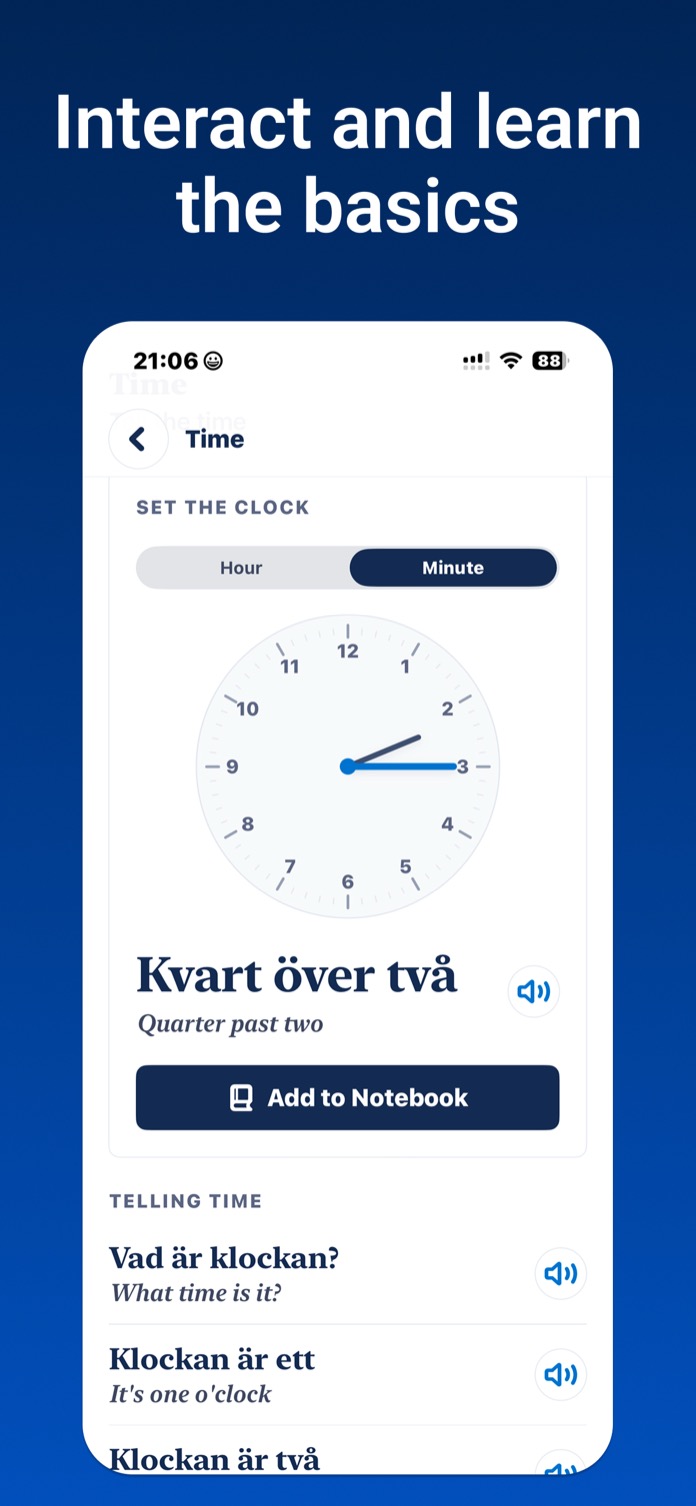
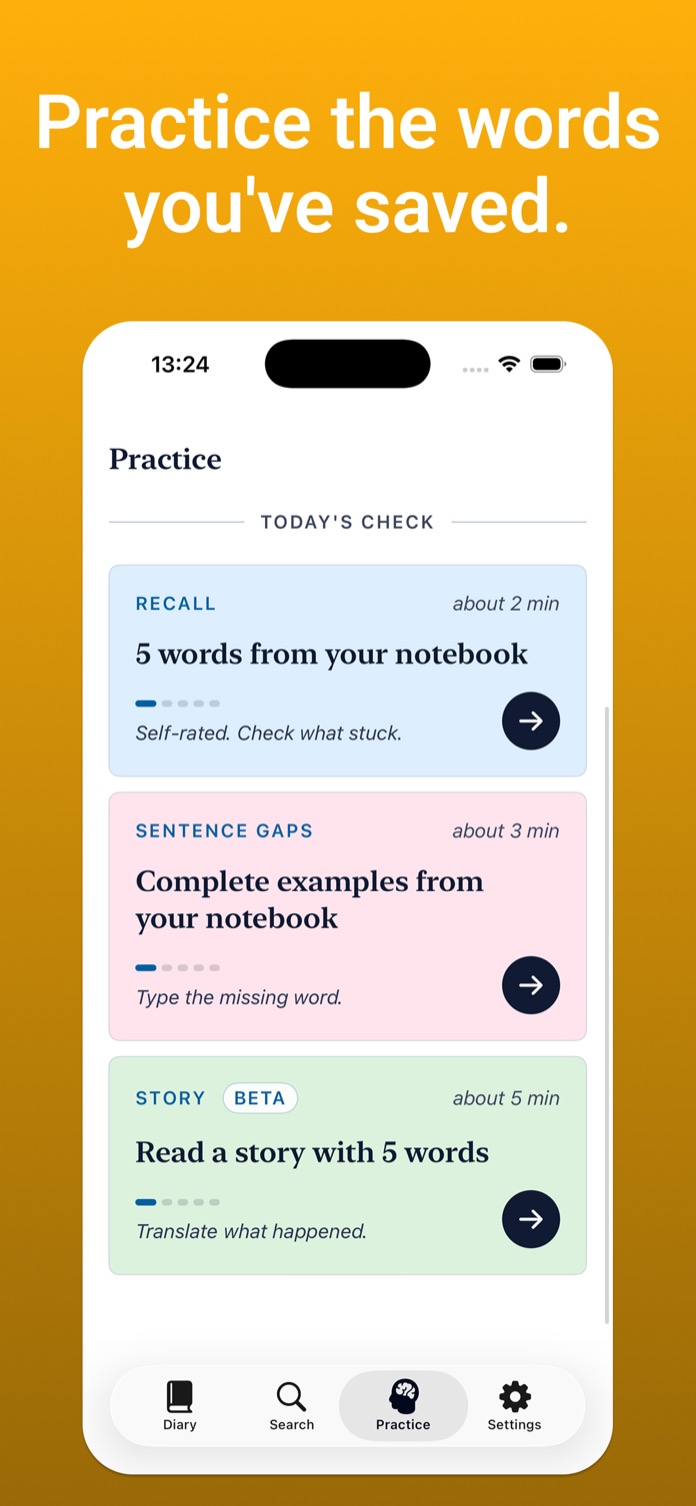
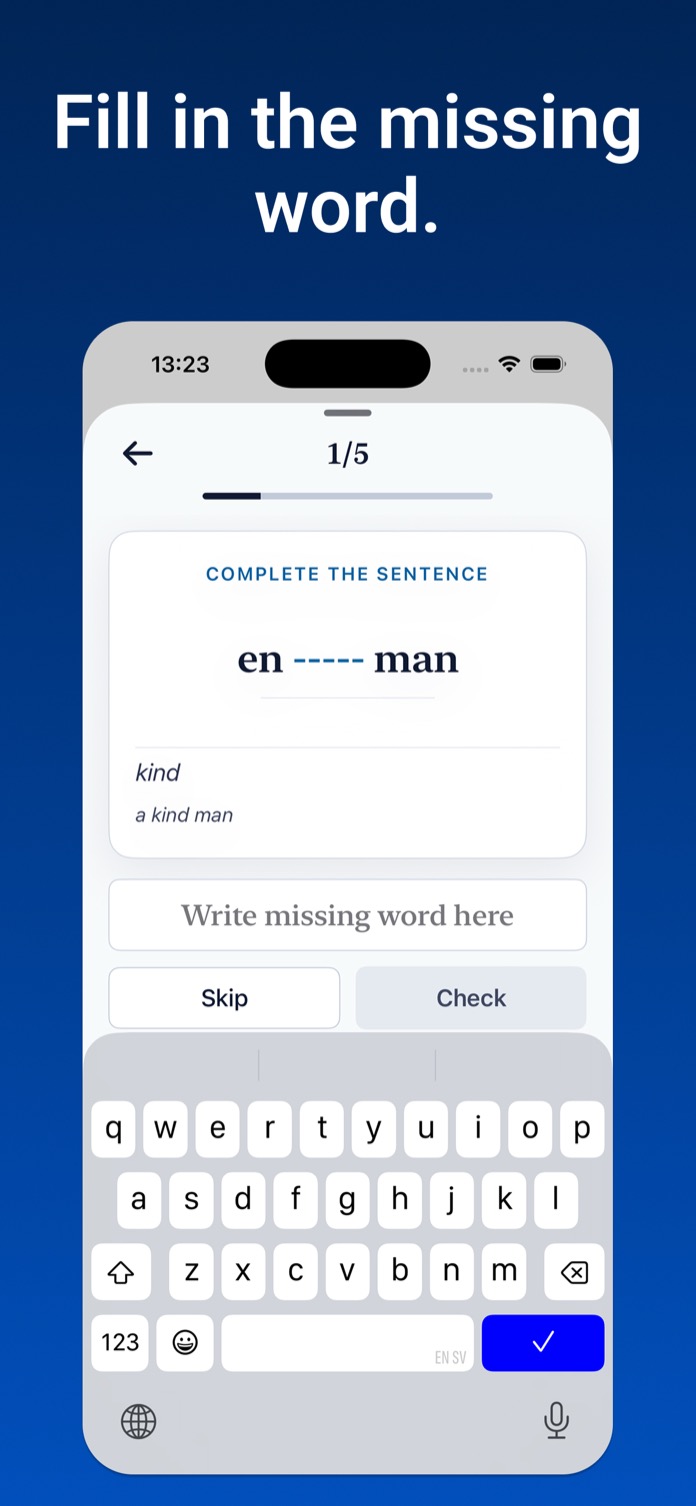
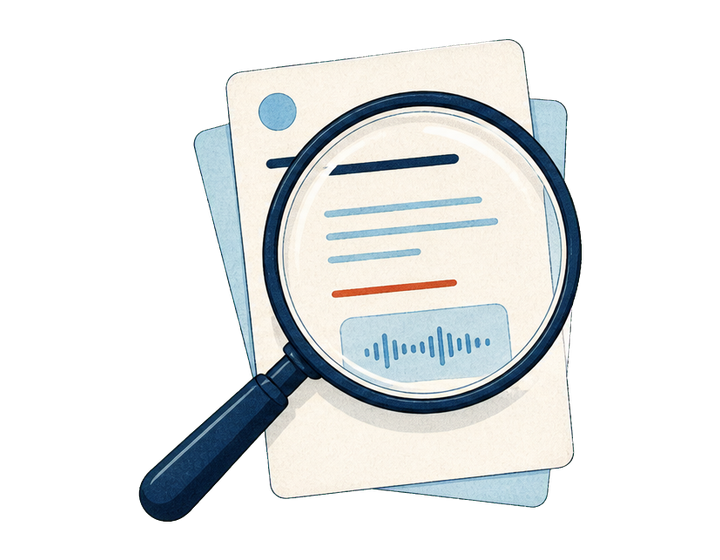
Practice is local and weekly: Word of the Week, Try Using It, and a five-word self-rated recall sheet. Ratings move the session along; no score, streak, or notification requirement.
Learning languages
 Swedish
Svenska
Swedish
Svenska
 Spanish
Español
Spanish
Español
 German
Deutsch
German
Deutsch
 French
Français
French
Français
 Italian
o
Italian
Italiano
 Dutch
Nederlands
Dutch
Nederlands
 Portuguese
Português
Portuguese
Português
 Japanese
日本語
Japanese
日本語
Privacy posture
Word by Word is anonymous-first. User-submitted words are never sent to third-party AI services at runtime. The iOS app talks only to the Word by Word backend for lookup, related words, Today's Word, optional account backup, sync, and account deletion; local clustering and semantic search vectors are created on device.
For learners who want a personal word diary with lookup and quiet recall, not another course, quiz engine, or streak loop.